> For the complete documentation index, see [llms.txt](https://docs.ta-da.io/llms.txt). Markdown versions of documentation pages are available by appending `.md` to page URLs; this page is available as [Markdown](https://docs.ta-da.io/white-paper/blockchain-integration/in-app-wallet.md).
# In-app Wallet
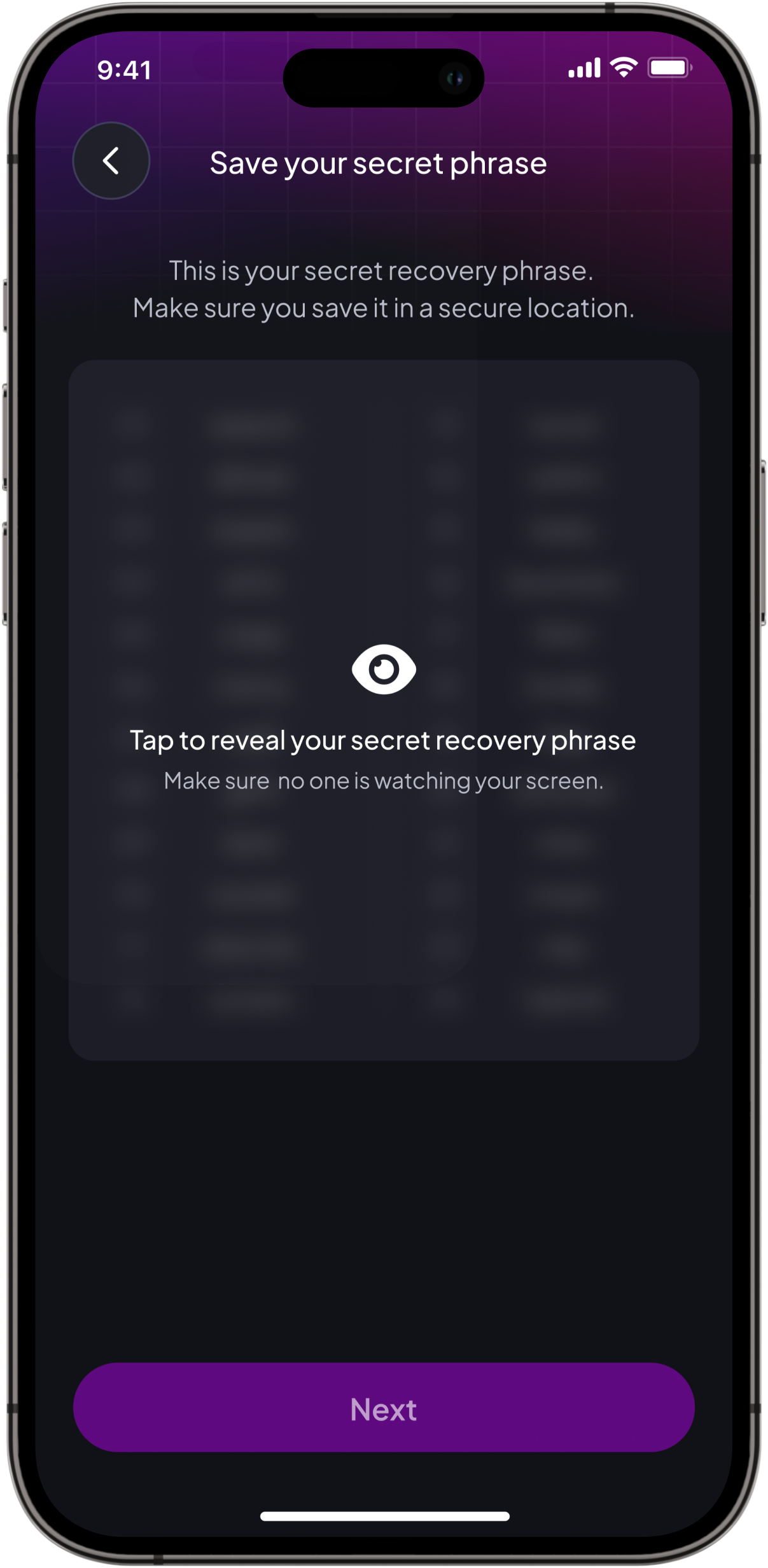
The application integrates a wallet that plays a crucial role in user authentication, transaction signing (non-repudiation), and secure token storage.
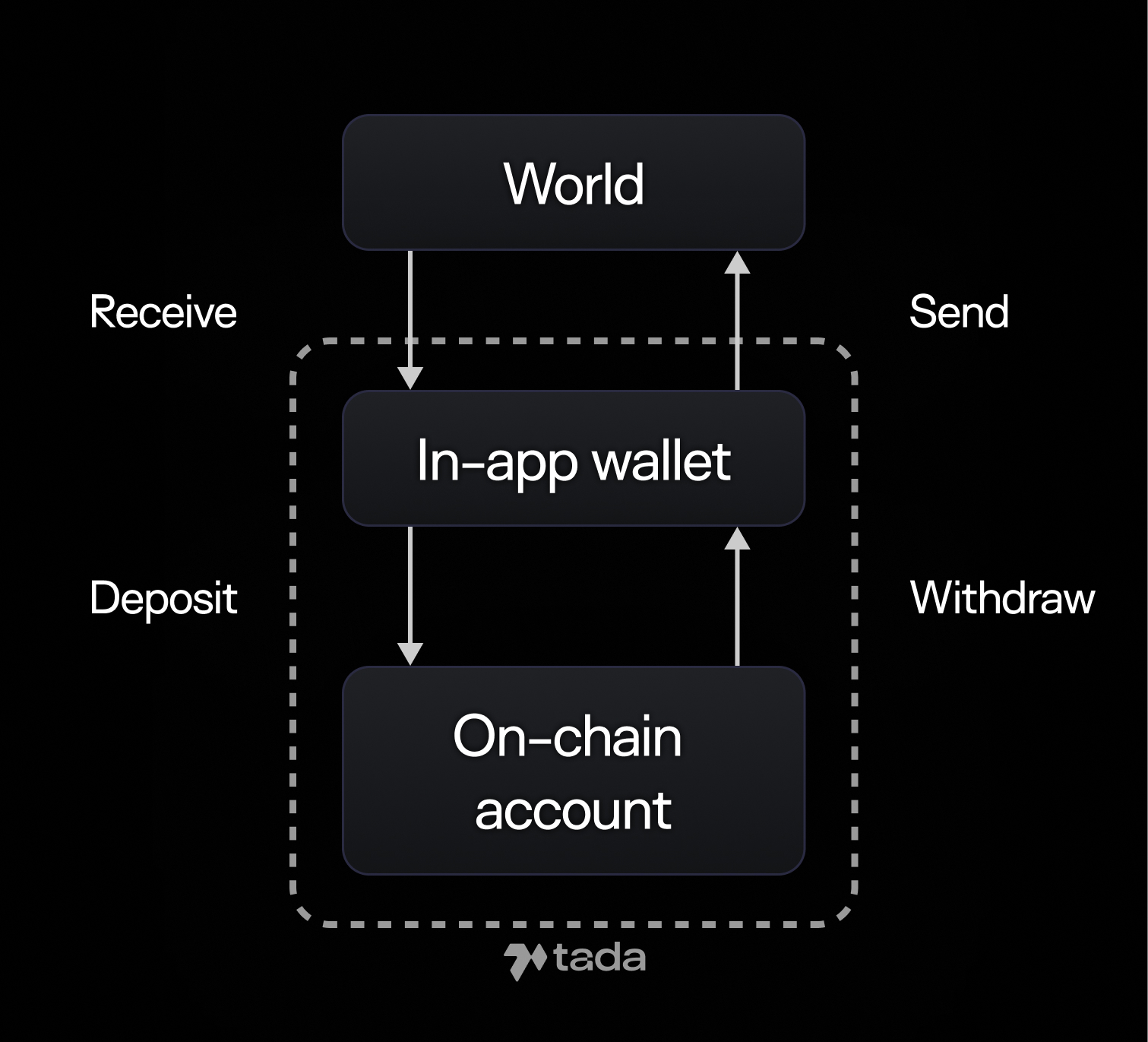
Additionally, the wallet serves as an interface between the external world and the application for token management. This means that tokens can be securely stored and managed directly within the app. Currently, tokens can be located in three different places:
1. **World**: This refers to external wallets, centralized exchanges, and other off-chain locations where users store their tokens.
2. **In-app Wallet**: This acts as a bridge between the external world and Ta-da. It is used for user authentication, with actions being signed using this wallet.
3. **On-chain Account**: This holds the tokens that are actively used within the application, such as for deposits, in-app purchases, and prize pool distribution.
The diagram below outlines the different interactions:
* **Receive**: Tokens are transferred from the external world to the in-app wallet.
* **Send**: Tokens are sent from the in-app wallet back to the external world.
* **Deposit**: Tokens are moved from the in-app wallet to the on-chain account for use within Ta-da.
* **Withdraw**: Tokens are transferred from the on-chain account back to the in-app wallet, making them available for external use again.